
Portrait
Pixel-Native HiDream O1 Image Model
Create and edit high-quality images with a unified AI image workspace inspired by HiDream O1 Image: text-to-image, reference-guided creation, and natural-language edits in one flow.
Portrait
Product
Interior
World
Character
Typography
Why HiDream O1 Image?
HiDream O1 Image is positioned around direct pixel-space generation, helping prompts translate into cleaner textures, sharper edges, and more readable local detail.
Use one workspace for text-to-image prompts, image edits, style transfer, object changes, and reference-guided creative direction.
Upload source or reference images when identity, product structure, color, layout, or visual style needs to stay consistent.
Move from idea to output quickly with streamlined prompt entry, common aspect ratios, generation history, and simple download workflows.
Examples
Six polished sample images showing portrait realism, product detail, interiors, worldbuilding, character design, and typography
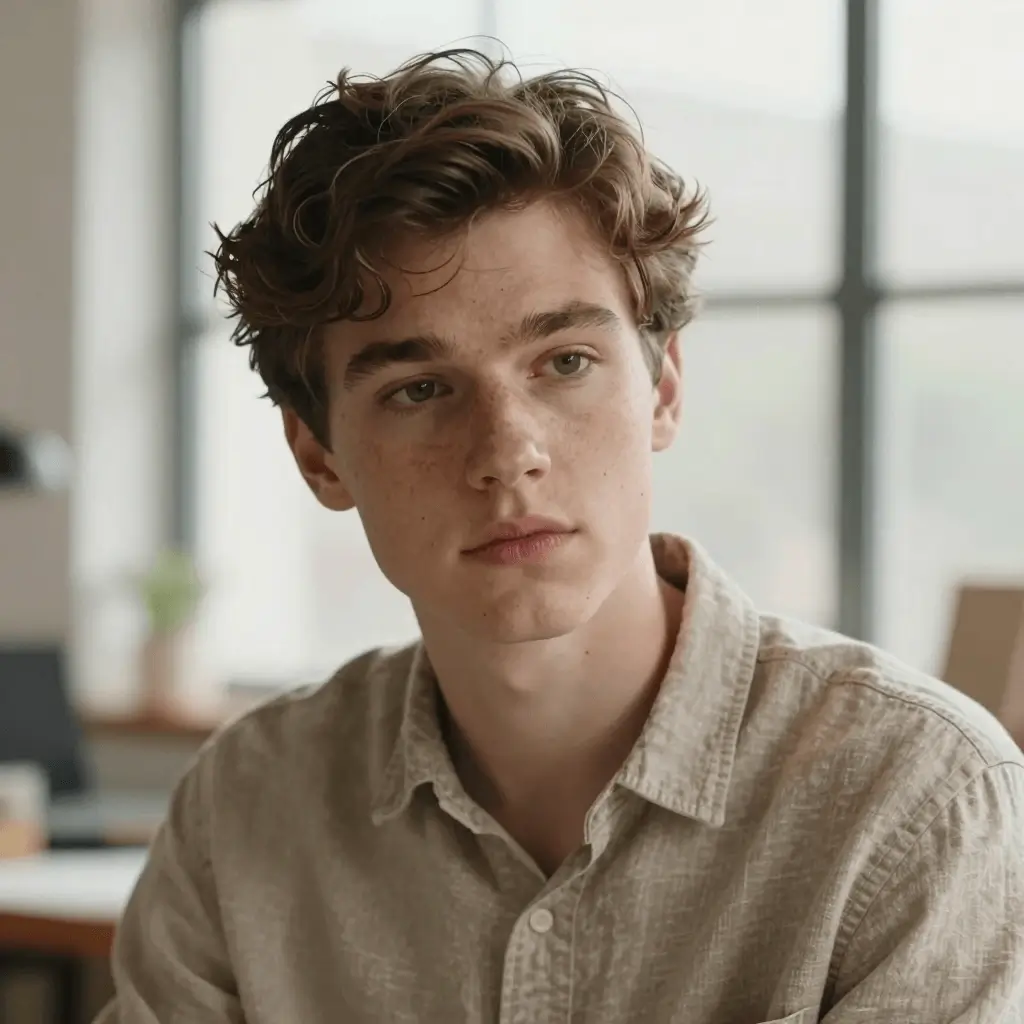
Soft window light, natural texture, and magazine-grade realism for human-focused concepts.
Prompt
A cinematic close-up portrait of a young creative director in a sunlit studio, realistic skin texture, linen shirt, editorial photography.
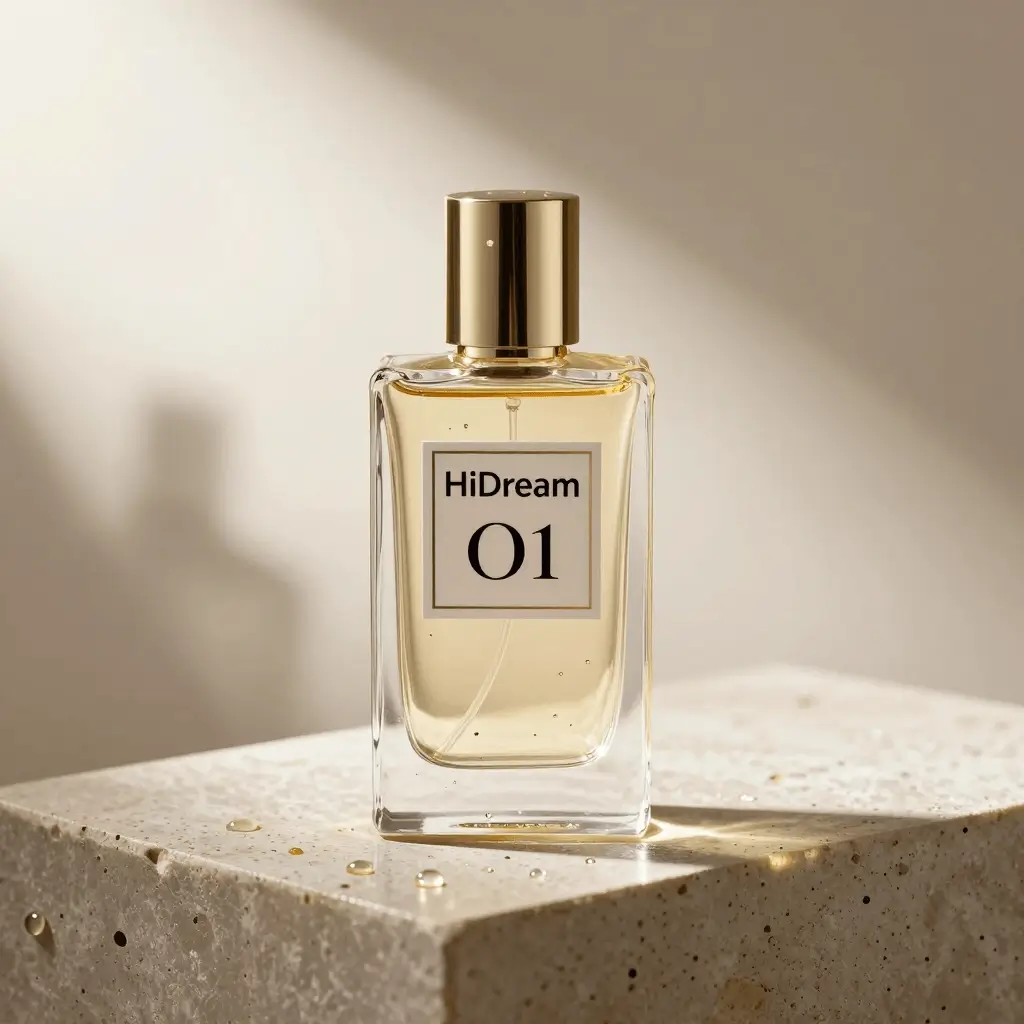
Clean commercial lighting, readable product detail, glass reflections, and polished campaign mood.
Prompt
A premium transparent glass perfume bottle on a polished stone pedestal, label reading HiDream O1, golden morning light, photorealistic product photography.
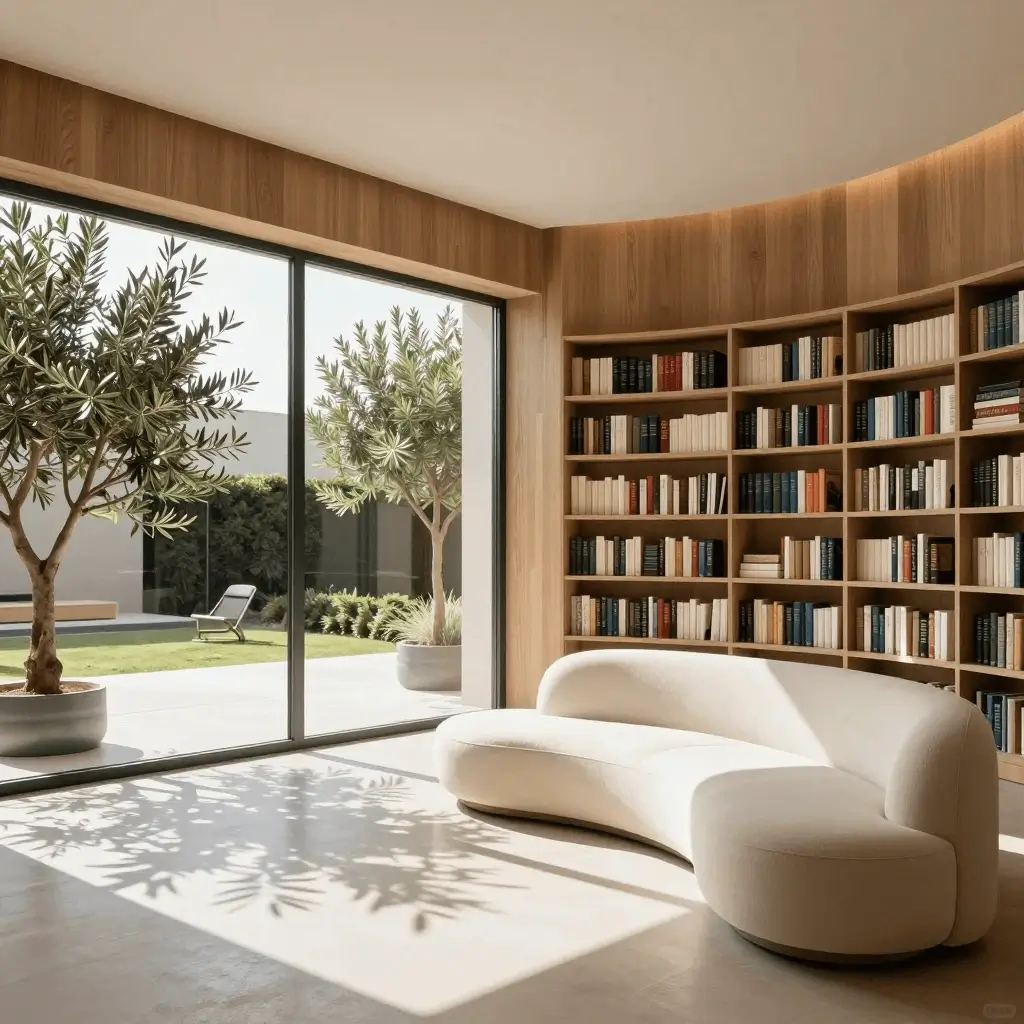
Balanced daylight, curved wood, and spatial coherence for interiors and lifestyle directions.
Prompt
A serene modern reading room with curved wooden walls, floor-to-ceiling windows, indoor olive trees, soft cream sofa, architectural digest style.
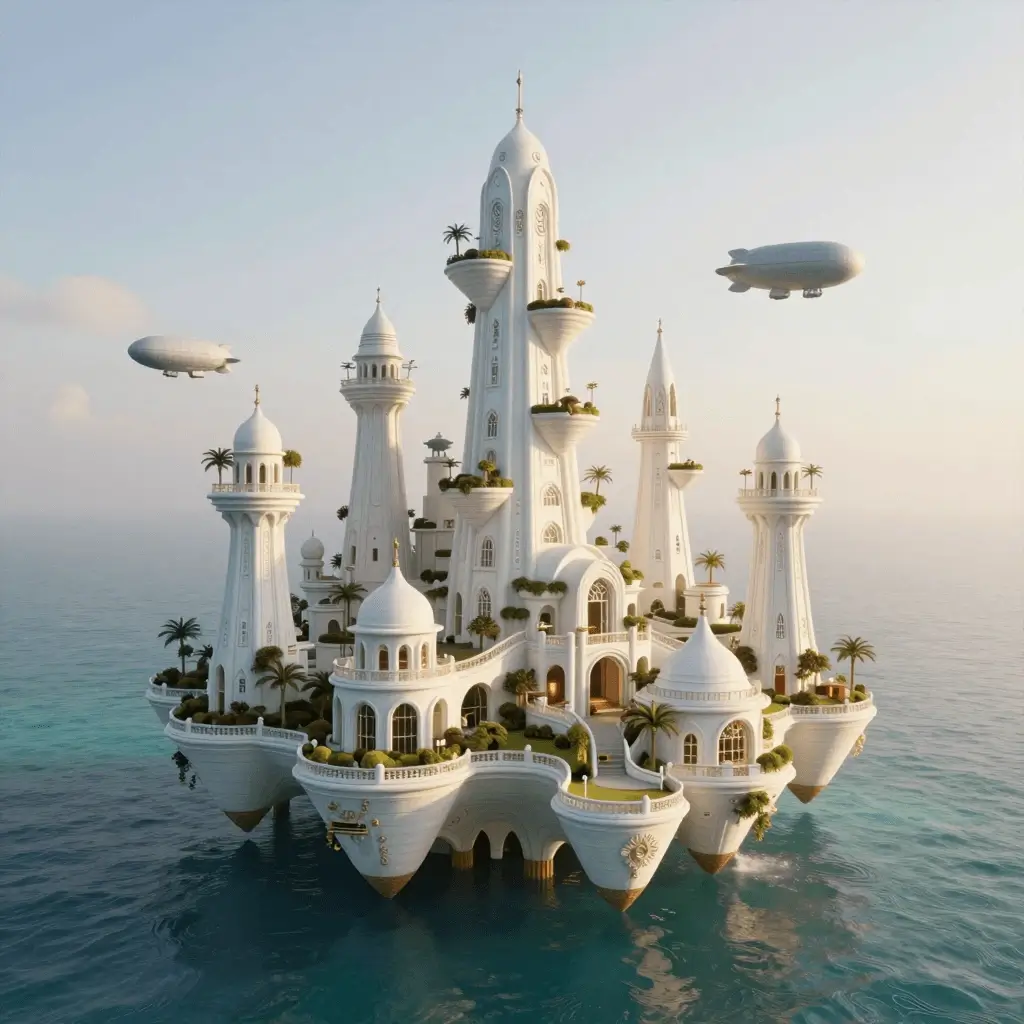
Large-scale scene composition with elegant architecture, atmosphere, and fantasy production design.
Prompt
A floating ocean city at sunrise, white ceramic towers, hanging gardens, airships, turquoise water below, cinematic wide-angle composition.
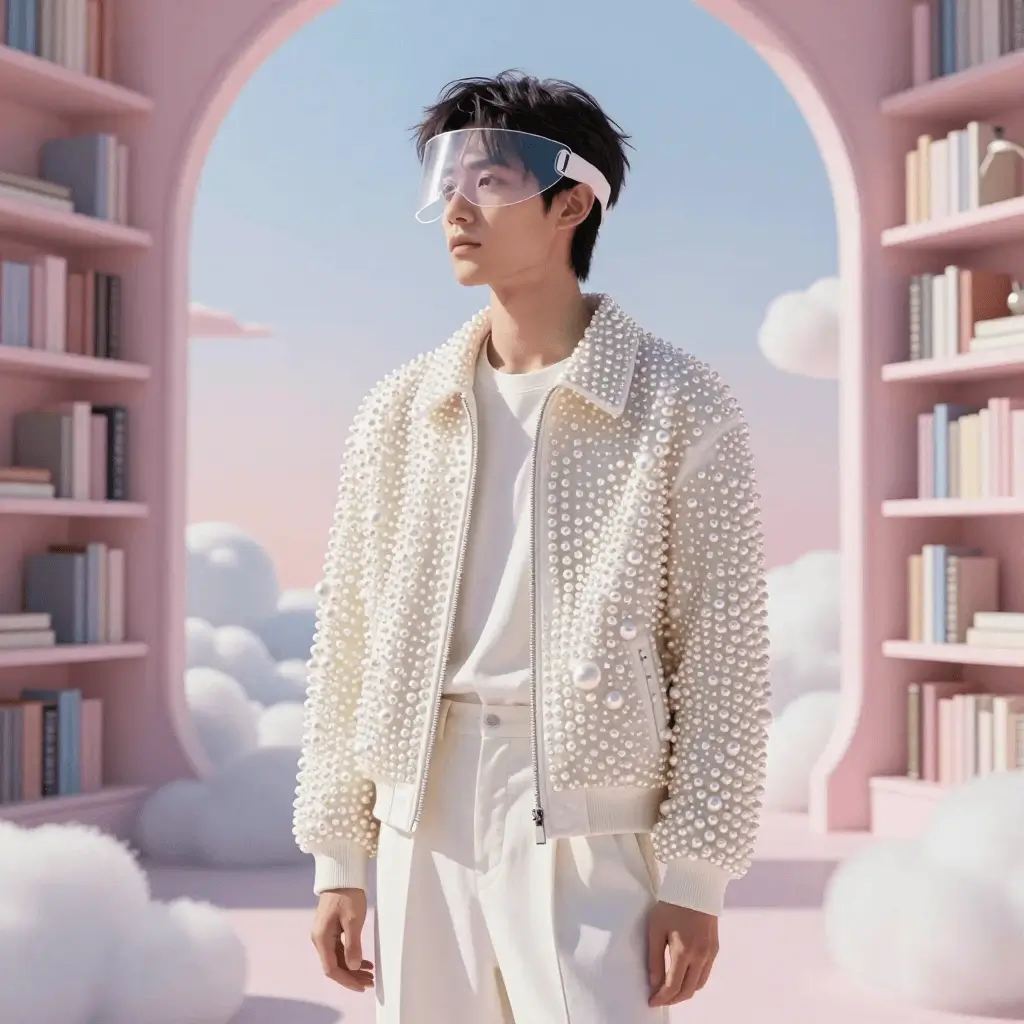
Stylized character direction with premium costume detail, clean silhouette, and soft sci-fi charm.
Prompt
A stylish AI dream explorer wearing a pearl-white jacket and translucent visor, surreal cloud library, elegant sci-fi fashion design.
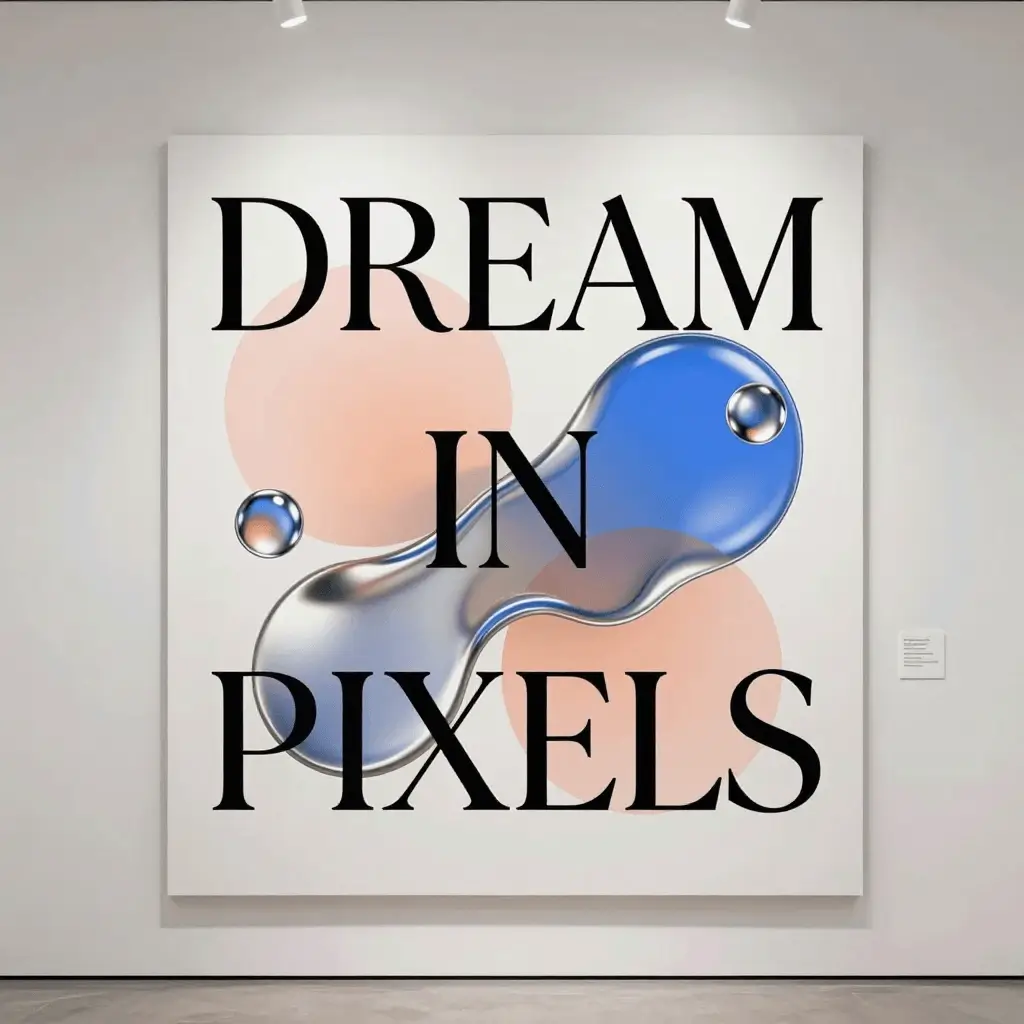
Graphic poster layout with readable headline text, gallery lighting, and crisp editorial composition.
Prompt
A clean futuristic exhibition poster on a gallery wall, large elegant typography reading DREAM IN PIXELS, abstract liquid chrome shapes.
Model Brief
HiDream O1 Image is positioned as a unified image model: create from text, transform existing visuals, and guide outputs with references without switching tools.
Use it when you want a practical web workflow around the HiDream O1 direction. Start with a prompt, add source or reference images when needed, then iterate toward a polished result for campaigns, product visuals, characters, and design exploration.
The HiDream O1 direction emphasizes direct pixel-space image modeling, giving creators a sharper way to preserve local detail, clean edges, and readable texture.
Move between text-to-image, image editing, style transfer, product variants, and reference-guided creation without changing products.
Upload references when identity, product form, composition, palette, or brand style needs to stay consistent across generations.
Quick prompt entry, aspect-ratio controls, history, and downloads make the app useful for real creative iteration rather than one-off demos.
HiDream Model Lineup
HiDream O1 Image builds on the HiDream image generation family and brings generation, editing, and reference workflows into one product experience.
HiDream Lineup
HiDream-I1 introduced a strong image generation family with quality and speed variants. HiDream O1 Image extends the story toward a unified pixel-native generation and editing workflow.
HiDream O1 Image brings prompts, source images, and visual references into one focused workspace for generation, editing, and controlled creative iteration.
HiDream-I1 is known as a high-capacity image generation family with variants for quality and speed, making it a natural comparison point for HiDream O1 Image positioning.
Workflow
A practical workflow for getting predictable HiDream O1 Image results.
01
Describe the scene, subject, style, camera, lighting, and any details that must remain unchanged.
02
Upload a source or reference image when identity, product structure, layout, or style needs stronger guidance.
03
Create a result quickly, then compare it against the intent instead of trying to perfect the first prompt.
04
Iterate on composition, color, text, lighting, or background until the result is ready to download.
Use Cases
The site is built for image workflows where creators need fast output plus enough control to make results usable.
Commerce
Create alternate backgrounds, lighting setups, and ad concepts while keeping product form recognizable.
Marketing
Generate hero ideas, feed images, thumbnails, and mood-board directions for fast creative reviews.
Character
Use reference-guided prompts to explore outfits, poses, moods, and consistent character styling.
Design
Draft visual layouts, typography directions, textures, and concept posters before final manual polish.
Edit
Describe background changes, style shifts, color tweaks, or object-level edits without a complex editing stack.
Reference
Use source images and references to guide palette, material feel, art direction, and overall visual consistency.
The workspace is fast enough for real prompt iteration, and the output detail is crisp.
Alexander Mitchell
Reference guidance makes product concepts much easier to keep consistent.
Emily Johnson
I use it for campaign mockups before moving into a final design pass.
Michael Carter
The best part is having generation and editing in the same place.
Sarah Davis
It handles lighting instructions better than most quick image tools I have tried.
David Wilson
Great for ecommerce backgrounds, hero concepts, and social visuals.
Jessica Brown
Frequently Asked Questions
HiDream O1 Image is a next-generation AI image experience centered on pixel-native generation and editing. This online workspace lets you create images from text, guide outputs with references, and refine visuals with natural-language prompts.
This site is an independent online tool inspired by the HiDream O1 Image model direction. It provides an accessible web workflow for image generation and editing.
Yes. Enter a prompt, choose your settings, and generate images for product shots, characters, posters, concept art, social media, and design exploration.
Yes. You can upload images and describe the changes you want, such as changing backgrounds, adjusting style, improving product scenes, or refining visual details.
Yes. Reference-guided workflows help preserve identity, layout, product shape, color direction, and style when those details matter.
Pixel-native refers to model designs that work directly in pixel space instead of relying only on a compressed latent representation, which can help preserve local detail and spatial fidelity.
The web app supports common browser image formats such as JPEG, PNG, and WebP for uploads and downloads.
Usage rights depend on your plan and the source materials you provide. Review the site terms and avoid uploading content you do not have rights to use.
Turn prompts, source images, and references into polished visuals.
Start Generating Now